Akai MPC 3.10.1 Adds a Plugin SDK for MPC and Force

1h
3 min read
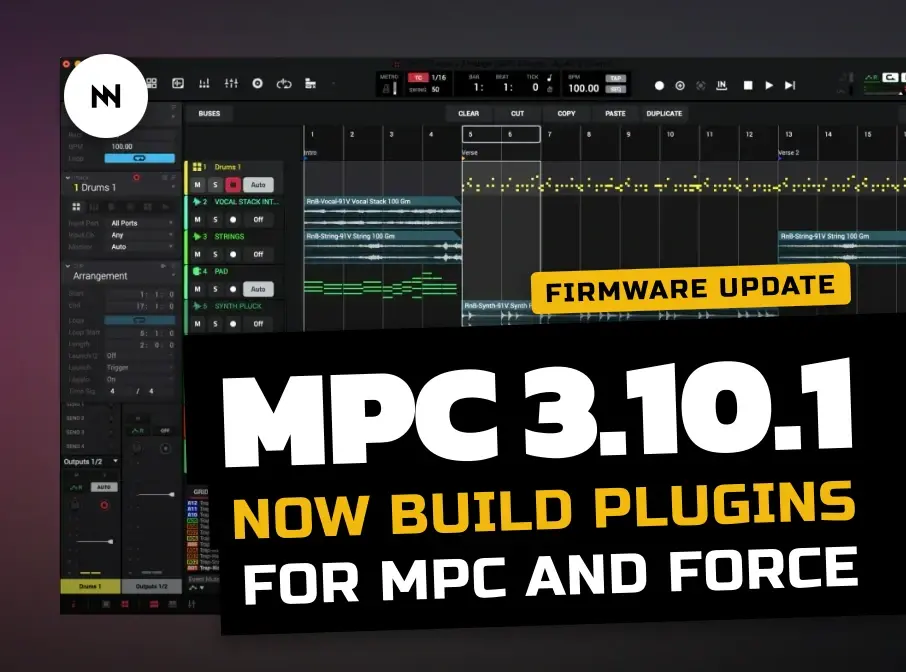
Akai has released MPC 3.10.1, adding an official Plugin SDK for custom instruments and effects on standalone MPC and Force. USB mouse control and Remote Screen also arrive as experimental options. The update gives developers much more room, but its beta switches come with project, performance and security warnings you should read first.
Note: This post contains affiliate links. If you choose to buy through them, I'll get a small kickback - at no extra cost to you. It helps me keep Noise Harmony going. Thank you!
What does MPC 3.10.1 add for plugin makers?
The MPC Plugin SDK creates a supported route for instruments and effects built specifically for standalone MPC and Force. Akai describes the SDK as free and experimental. It does not make MPC OS open-source, and it does not let you copy ordinary desktop VST3, AU or AAX plugins onto the hardware. That distinction matters if your plugin folder already looks like a small warehouse.
Akai says developers can pair the SDK with an AI coding service, although this is optional rather than required. A finished SDK plugin goes into the folder named “VST2 Plugins” on the internal drive or an attached drive. The release notes do not yet give a full compiler list, signing system or redistribution policy. Akai’s MPC 3.10.1 Update | Opening Up New Possibilities provides the official overview of these new tools.
Akai’s official overview demonstrates the Plugin SDK and other experimental additions in MPC 3.10.1.
Also check
The extra tools are useful, but they are still beta

They can be useful, but Akai places every new standalone tool behind Enhancements (BETA). Open Menu > Preferences > Enhancements, turn on Enable Enhancements and then enable only the options you need. These include USB mouse control, PNG screenshots, advanced audio settings and switches for lifting some track and plugin-instance limits. Remote Screen can send the touchscreen and audio to a computer, with optional control from the viewer.
Unlimited audio and plugin tracks removes the separate audio-track and plugin-track limits, but the overall project track limit remains. A second switch removes the normal instance caps from selected heavy instruments and effects. Akai warns that either option can cause slow response, dropouts or crashes when the device runs short of CPU or memory. Reopening an oversized project with these options disabled removes its excess tracks or plugin instances.
The Developer panel carries a deeper risk because its shell has full access to the Linux system and enables the device’s SSH server. The Remote Screen picture is not encrypted either, so Akai says to use it only on a trusted network. MPC 3 Desktop also receives version 3.10.1 on macOS and Windows, but these experimental additions are for standalone hardware. Projects saved in standalone MPC versions 3.4 through 3.10.1 cannot be opened in MPC 2.15 Desktop, although MPC 2 and MPC 3 Desktop can remain installed together.
MPC XL, Live III, Live II and Live
MPC One Gen 2, One+ and One
MPC Key 37 Gen 2, Key 37 and Key 61
MPC X and MPC X Special Edition
Force in standalone mode only
Price and Availability
MPC 3.10.1 is available now through the MPC online updater or inMusic Software Center, with no separate charge for the firmware and SDK. For desktop buyers, Plugin Boutique currently lists MPC 2 for €50.22, reduced by 75% from €203.97 until January 10. Akai says existing MPC 2 users receive MPC 3 Desktop as a free update, though the shop page is still labelled MPC 2. Firmware installers and device-specific downloads are available on Akai’s official MPC firmware page.
Get MPC 3.10.1
Download the update from Akai, then enable only the experimental tools you need. Back up important projects before removing track or plugin-instance limits.
More information
Frequently Asked Questions
Can MPC 3.10.1 run desktop VST plugins on standalone hardware?
No. Standalone MPC and Force support plugins built specifically with the new MPC Plugin SDK, not ordinary desktop VST3, AU or AAX files.
Is MPC 3.10.1 free?
Yes. Akai does not charge separately for the firmware update, and the company describes the MPC Plugin SDK as free.
FOLLOW US ON


Comments